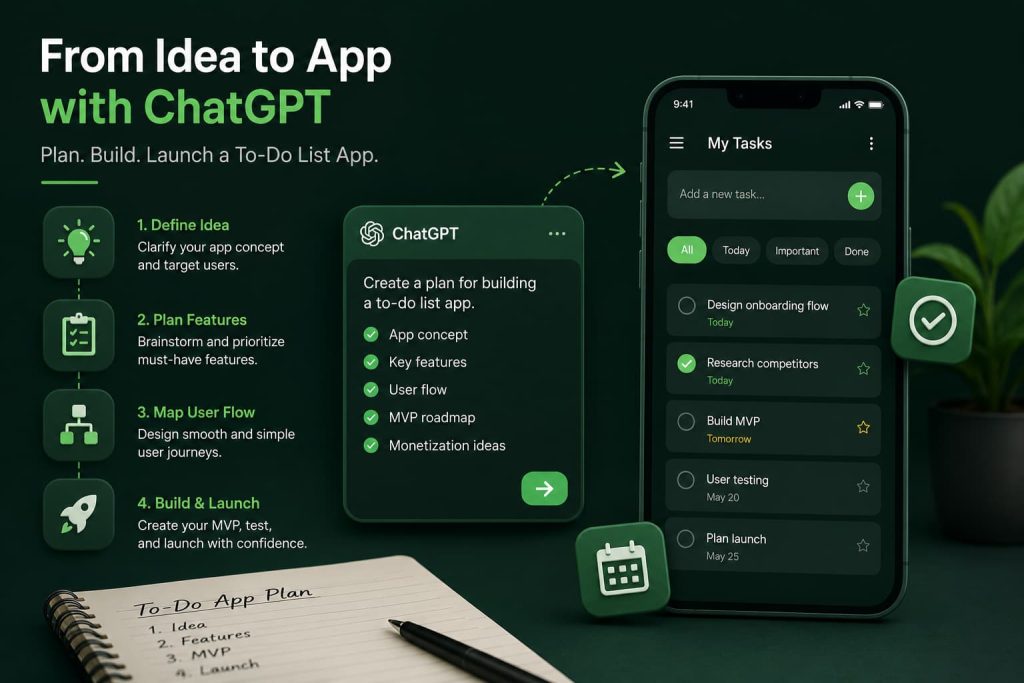
Almost everyone has a task list somewhere. It might be on paper, in a notes app, or buried inside a productivity tool they half-use. That’s exactly why to-do list apps remain one of the most popular app categories out there.
Here’s the challenge: everyone thinks they can build one, but very few actually launch something people stick with. Most to-do list apps die because they copy what already exists instead of solving a specific problem for a specific type of user.
That’s where ChatGPT can help. Used the right way, it becomes a thinking partner for planning your concept, prioritizing features, and avoiding the mistakes that sink most productivity apps before they even launch.
Can ChatGPT Help You Build a To-Do List App?
Yes, with the right prompts, ChatGPT can genuinely speed up the planning side of building a to-do list app.
It can help you with:
- Refining your app idea and finding your angle
- Brainstorming and organizing feature lists
- Mapping out user flows and onboarding
- Planning a lean, focused MVP
- Thinking through launch and early feedback strategy
Let’s say you already have a rough idea — “a to-do app but simpler.” ChatGPT can help you turn that vague concept into a clear product direction in a single conversation.
What it can’t do is replace real user research or write your entire codebase from a single prompt. Think of it as a smart collaborator, not a shortcut around doing the work.
The Best ChatGPT Prompt to Build a To-Do List App
If you only use one prompt from this article, use this one. It’s built to get ChatGPT thinking like a product strategist instead of just spitting out a generic feature list.
Act as a senior product manager and UX strategist. I want to build a to-do list app. Help me define: (1) a specific target user and their biggest task-management frustration, (2) a clear positioning statement that differentiates this app from existing to-do apps, (3) a prioritized MVP feature list split into “must-have” and “nice-to-have,” (4) a simple onboarding flow, and (5) two realistic monetization ideas. Ask me clarifying questions before you finalize your answer.
Why It Works
This prompt forces ChatGPT to slow down and ask questions instead of guessing. It also pushes toward differentiation early, which is the single biggest thing missing from most to-do list app plans.
When To Use It
Use this at the very start, before you sketch a single screen. It sets the foundation everything else builds on.
Pro Tip
Answer ChatGPT’s clarifying questions honestly, even if you’re not 100% sure. Vague answers lead to vague plans.
Features Every To-Do List App Should Consider
Most people make this mistake: they try to include every feature they’ve ever seen in a productivity app. Here’s what’s actually worth thinking through.
Task Creation
Quick-add matters more than people realize. If creating a task takes more than a couple taps, users drop off.
Due Dates
Simple date and time fields, plus smart defaults like “today” or “tomorrow” shortcuts.
Priorities
A basic high/medium/low system is usually enough. Overcomplicating this confuses users fast.
Categories
Tags or lists (Work, Personal, etc.) help users organize without forcing rigid folders.
Reminders
Push notifications tied to due dates, with sensible defaults so users aren’t buried in alerts.
Progress Tracking
Simple completion percentages or streaks can boost daily engagement.
Collaboration Features
Shared lists are powerful but add real complexity. Save this for post-MVP unless it’s your core differentiator.
ChatGPT Prompts for To-Do List App Planning
App Idea Refinement
Prompt
I want to build a to-do list app. Here’s my rough idea: [describe your idea]. Help me refine this into a specific, differentiated concept by identifying what’s missing from existing to-do apps and how my version could solve that gap.
What It Does
Pushes your idea from generic to specific by anchoring it to a real gap in the market.
Example
If your idea is “a to-do app for freelancers,” ChatGPT might help you narrow it to “a to-do app that automatically blocks time for deep work based on task priority.”
Pro Tip
Feed it your actual frustrations with apps you’ve used before. Real friction points make better prompts than abstract ideas.
Feature Brainstorming
Prompt
Brainstorm 15 possible features for a to-do list app targeting [your specific user, e.g., busy parents, students, freelancers]. Group them into Core, Differentiating, and Future features.
What It Does
Generates a wide net of options while already sorting them by priority tier.
Example
For busy parents, ChatGPT might suggest a “family shared list” as a differentiating feature versus a basic “task creation” core feature.
Pro Tip
Don’t try to build every feature it suggests. Use this list to spot patterns, not as a final roadmap.
User Persona Creation
Prompt
Create a detailed user persona for the primary user of my to-do list app: [brief description]. Include their daily routine, biggest frustrations with current task management tools, and what would make them switch apps.
What It Does
Gives you a concrete person to design for instead of a vague “everyone” audience.
Example
A persona might reveal your target user checks their list mostly on mobile during commutes, which changes how you’d prioritize your interface.
Pro Tip
Name your persona and refer back to them throughout planning. It keeps decisions grounded.
User Flow Design
Prompt
Map out the core user flow for a first-time user of my to-do list app, from download to creating their first task to completing it. Highlight where users typically drop off in similar apps and how to reduce friction at each step.
What It Does
Turns abstract “onboarding” into a concrete, step-by-step sequence you can actually design around.
Example
ChatGPT might flag that requiring account creation before the first task is a common drop-off point worth removing.
Pro Tip
Ask it to suggest what happens if a user does nothing for their first three days. Retention often depends on that answer.
ChatGPT Prompts for MVP Planning
If you’re following the broader process for planning your ChatGPT prompt to build an app, MVP planning is usually where things start to feel real.
Essential Features Only
Prompt
Based on this feature list [paste your list], identify only the features absolutely necessary for a functional MVP of a to-do list app. Be ruthless — cut anything that isn’t essential to the core task-management loop.
What It Does
Forces a hard cut, which most founders struggle to do on their own.
Example
It might strip a 20-feature list down to five: add task, set due date, mark complete, basic categories, and reminders.
Pro Tip
If it’s hard to cut, ask ChatGPT to justify why each remaining feature made the cut. That reasoning is often more useful than the list itself.
Feature Prioritization
Prompt
Using a simple impact-vs-effort framework, prioritize these features for my to-do list app MVP: [list features]. Explain your reasoning for each placement.
What It Does
Adds structure to prioritization instead of relying on gut feeling alone.
Example
A “voice-to-task” feature might score high impact but high effort, pushing it to a later release.
Pro Tip
Revisit this exercise after talking to a few real potential users. Their input should shift the framework.
MVP Roadmap
Prompt
Create a simple 4-week roadmap for building and launching the MVP of my to-do list app, assuming I’m working with [solo / a small team / a no-code tool]. Include milestones for design, build, testing, and launch.
What It Does
Breaks an intimidating project into a realistic, week-by-week plan.
Example
Week one might focus entirely on wireframes and user flow, not code.
Pro Tip
Be specific about your resources. A solo no-code roadmap looks very different from a small dev team roadmap.
User Feedback Planning
Prompt
Suggest a simple plan for collecting and acting on user feedback during the first 30 days after launching my to-do list app MVP, including what questions to ask and how often to check in.
What It Does
Prevents the common mistake of launching and then guessing what to build next.
Example
It might suggest a short in-app survey after a user’s tenth completed task, when they’ve had enough time to form an opinion.
Pro Tip
Ask specifically about drop-off points, not just satisfaction. Satisfaction scores rarely tell you what to fix.
How I Would Use ChatGPT to Build a To-Do List App Today
If I were building a to-do list app today, here’s the order I’d actually follow.
First, idea validation. I’d use the master prompt above and be brutally honest in my answers, even if the positioning felt unfinished.
Second, research. I’d ask ChatGPT to list the top complaints users have about popular to-do apps, then cross-check that against real app store reviews.
Third, MVP planning. I’d run my feature list through the prioritization prompt and cut harder than felt comfortable.
Fourth, UX design. I’d map the first-time user flow and obsess over the first 60 seconds of the experience.
Fifth, launch preparation. I’d set up a simple feedback loop before launch, not after, so I wasn’t flying blind in week one.
Frequently Asked Questions
Can ChatGPT help build a to-do list app?
Yes, ChatGPT can help with planning, feature prioritization, user flows, and MVP strategy for a to-do list app, though it won’t replace hands-on development or real user testing.
What is the best ChatGPT prompt for a productivity app?
The strongest prompts ask ChatGPT to act as a product strategist and request a specific target user, differentiation angle, and prioritized MVP feature list, rather than a generic feature dump.
Can ChatGPT help plan app features?
Yes, it can brainstorm features, group them by priority, and apply frameworks like impact-vs-effort to help you decide what to build first.
Can ChatGPT help design user flows?
Yes, it can map out step-by-step user journeys and flag common drop-off points based on patterns from similar apps.
Can ChatGPT help create an MVP?
Yes, it’s especially useful for cutting a feature list down to essentials and building a realistic build-and-launch roadmap.
Conclusion
Building a to-do list app that actually sticks isn’t about packing in every feature you can think of. It’s about solving one real productivity problem for one specific type of user, better than anything else out there.
Use ChatGPT to sharpen your positioning, cut your feature list down to what matters, and plan an MVP you can actually ship. The prompts above give you a practical starting point — the differentiation still has to come from you.